
МануалыРазвёртывание
Установка RMS Mail через Docker Compose
Пошаговая инструкция по развёртыванию RMS Mail Mono и Unified через Docker Compose.
Quick Start
Mono
# 1. Clone the repository and navigate to the project directory
git clone https://github.com/max-ramas/rms-mail-public.git
cd rms-mail-public

# 2. Set up your environment variables
cp .env-m.example .env

# 3. Configure your ENCRYPTION_KEYS or ENCRYPTION_KEY and JWT_SECRET inside the .env file
# (You only need to enter the ENCRYPTION_KEYS or ENCRYPTION_KEY and JWT_SECRET; that is all the app needs to function)
# To generate a secure random 32-byte hex key, run: openssl rand -hex 32
# Also add ALLOWED_ORIGINS and FRONTEND_URL (your domain name)

# 4. Copy the Mono-specific compose configuration
cp docker-compose-m.yml docker-compose.yml

# 5. Fire it up!
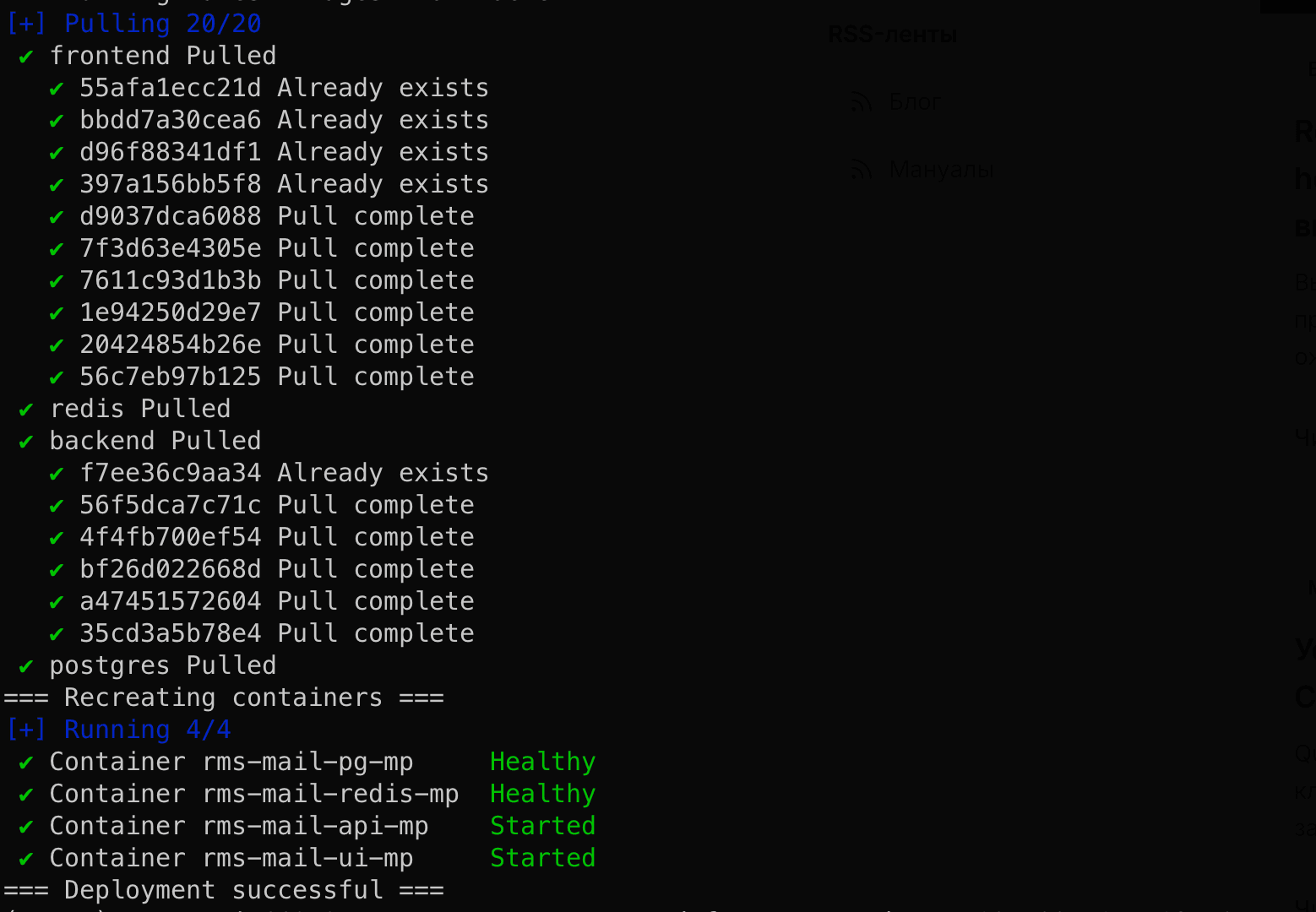
docker compose up -d
Образы загружаются с Docker Hub: maxramas/rms-mail:m-latest + m-ui-latest
После запуска откройте в браузере: http://localhost:3000
Unified
# 1. Clone the repository and navigate to the project directory
git clone https://github.com/max-ramas/rms-mail-public.git
cd rms-mail-public

# 2. Set up your environment variables
cp .env-u.example .env

# 3. Configure required variables inside the .env file:
# - POSTGRES_PASSWORD (To generate a secure random 32-byte hex key, run: openssl rand -hex 16)
# - REDIS_PASSWORD (To generate a secure random 32-byte hex key, run: openssl rand -hex 16)
# - ENCRYPTION_KEYS or ENCRYPTION_KEY (To generate a secure random 32-byte hex key, run: openssl rand -hex 32)
# - JWT_SECRET (To generate a secure random 32-byte hex key, run: openssl rand -hex 32)
# - CAMO_HMAC_KEY (To generate a secure random 32-byte hex key, run: openssl rand -hex 32)
# Also add ALLOWED_ORIGINS and FRONTEND_URL (your domain name)

# 4. Copy the Unified-specific compose configuration
cp docker-compose-u.yml docker-compose.yml

# 5. Fire it up!
docker compose up -d
Образы: maxramas/rms-mail:u-latest + u-ui-latest
После запуска откройте в браузере: http://localhost:3000