
Roundcube vs RMS Mail: Which Self-Hosted Webmail Should You Choose in 2026?
Choosing a self-hosted email client isn’t as simple as it was ten years ago. Today, users expect instant search, multiple account support, browser-based access, AI integrations and seamless synchronization across devices.
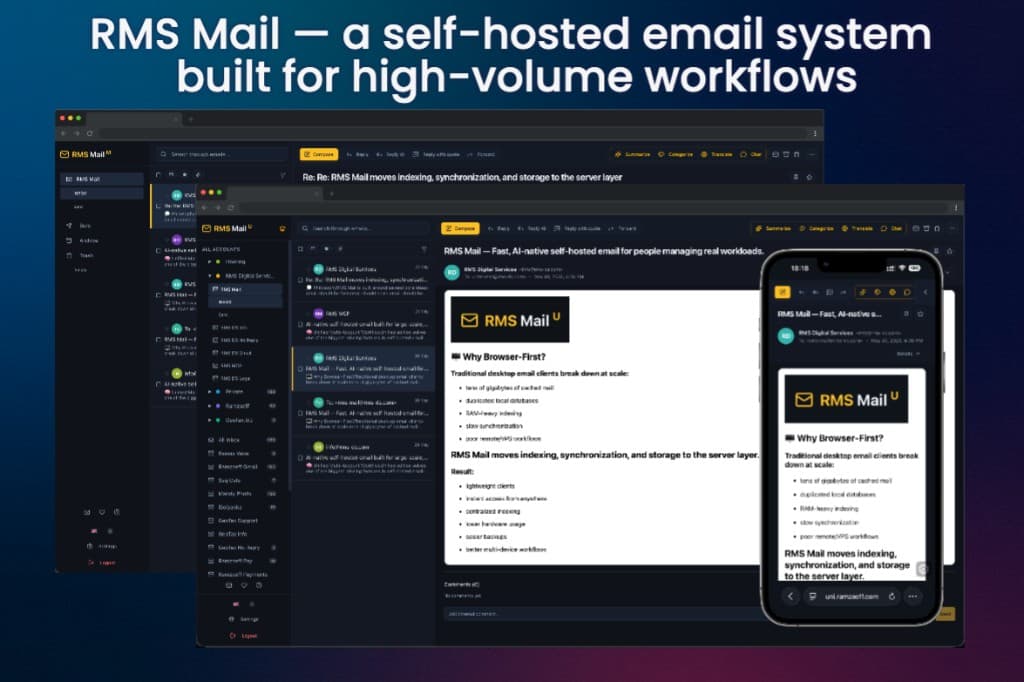
Choosing a self-hosted email client isn’t as simple as it was ten years ago. Today, users expect instant search, multiple account support, browser-based access, AI integrations and seamless synchronization across devices. At the same time, many organizations still rely on classic webmail clients that were originally designed when mailboxes rarely exceeded a few gigabytes.
Roundcube remains one of the most widely used self-hosted webmail applications in the world. It is mature, stable and supported by virtually every hosting provider. However, modern workflows expose limitations that weren’t significant when Roundcube was first released.
RMS Mail takes a different architectural approach. Instead of relying on IMAP for every search and operation, it synchronizes mail once and performs searching, indexing and most mailbox operations using its own database. The result is a fundamentally different user experience, especially when working with large mailboxes.
This article compares both solutions to help you choose the right one for your needs.
At a Glance
Feature | Roundcube | RMS Mail |
|---|---|---|
Open Source | ✅ | ✅ |
Docker Deployment | Possible | Native |
Full-text Search | IMAP dependent | Local indexed search |
Large Mailboxes | Limited by IMAP performance | Designed for 100,000+ emails |
Multiple Accounts | Basic | Unified workspace (Unified/Teams editions) |
Telegram Integration | ❌ | ✅ |
AI Integration | ❌ | ✅ |
MCP Support | ❌ | ✅ |
Browser-first Architecture | Traditional | Modern |
What is Roundcube?
Roundcube is a browser-based IMAP email client that has been under active development for more than fifteen years.
Its primary goal is to provide a familiar desktop-like email experience inside a web browser. It supports folders, identities, address books, plugins and a large ecosystem of themes.
Roundcube is available through countless shared hosting providers and remains an excellent choice for users who simply need a reliable webmail interface.
For small and medium-sized mailboxes, it continues to perform well.
What is RMS Mail?
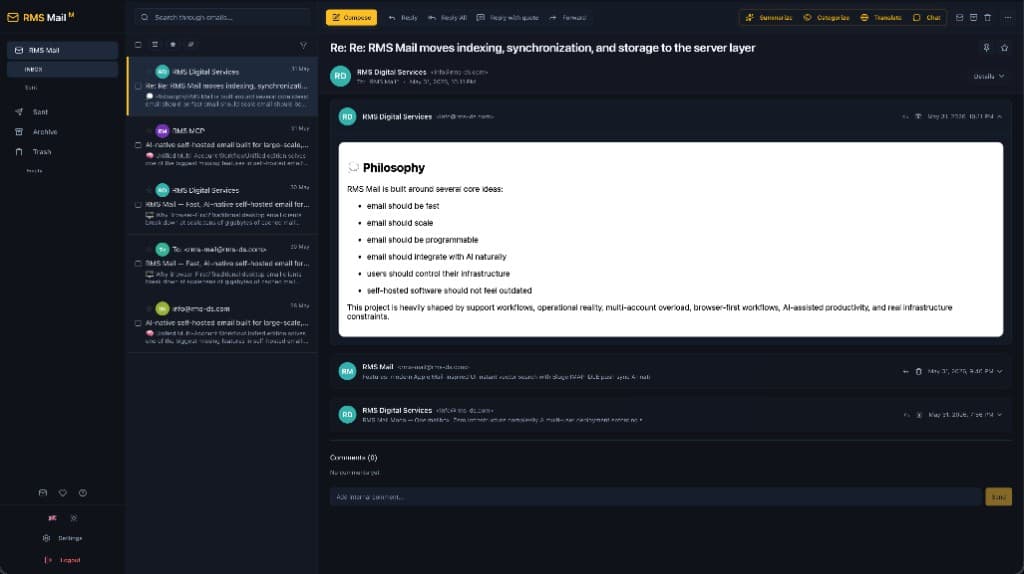
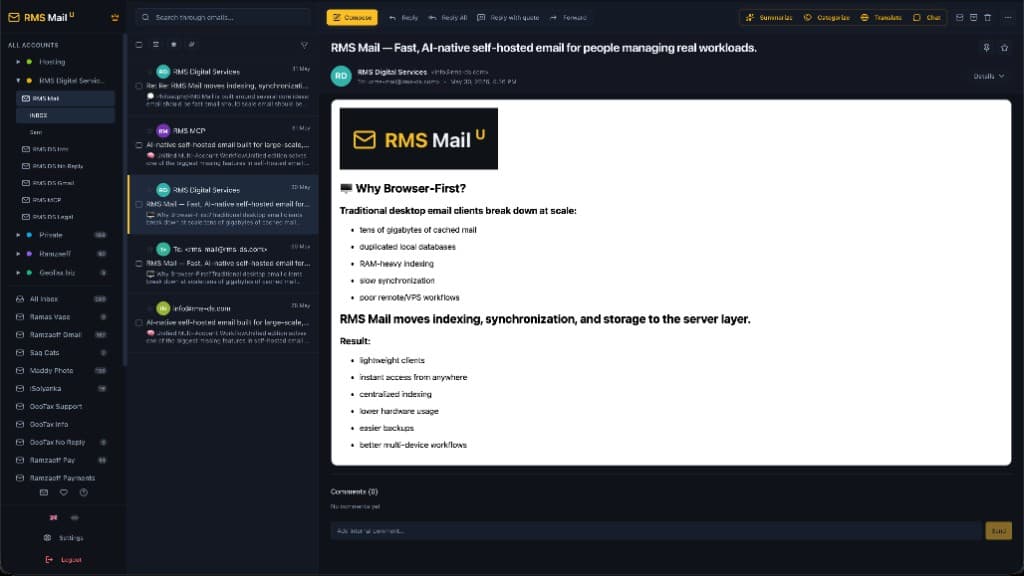
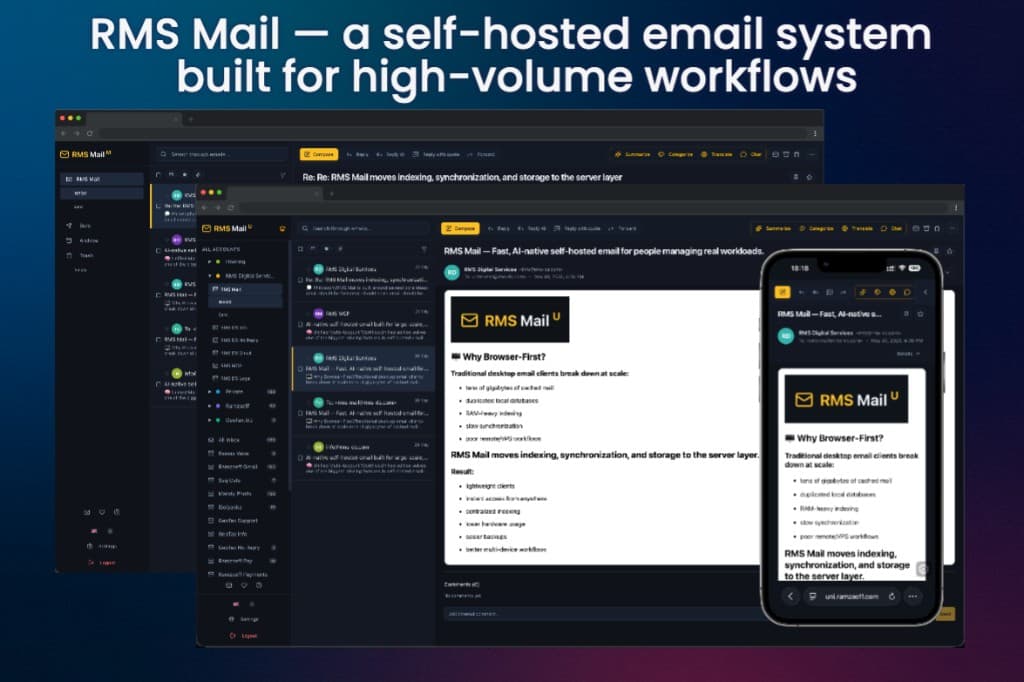
RMS Mail is a modern self-hosted email workspace built for users who manage large volumes of email or multiple accounts.
Instead of treating IMAP as both a synchronization and query protocol, RMS Mail separates these responsibilities.
IMAP is used only to synchronize messages.
Searching, indexing and mailbox operations are performed against a local database optimized specifically for fast queries.
This architectural difference allows RMS Mail to deliver instant search, efficient bulk operations and consistent performance regardless of mailbox size.
Architecture: The Biggest Difference
This is where the two products diverge the most.
Roundcube
Roundcube communicates with the mail server almost continuously.ёё
When searching messages or performing many mailbox operations, it depends on IMAP commands executed by the server.
This works well for typical personal mailboxes but can become noticeably slower when folders contain tens of thousands of messages.
RMS Mail
RMS Mail downloads metadata and messages once.
After synchronization, everything important happens locally.
Instead of asking the mail server every time:
“Find all invoices from March containing PDF attachments.”
RMS Mail queries its own indexed database.
The difference is similar to searching files directly on a hard drive instead of querying a remote server for every request.
Search Performance
Search is often the first place where users notice the difference.
Roundcube
Search performance depends on:
- IMAP server implementation
- Mail server load
- Network latency
- Mailbox size
Large folders often require noticeable waiting time.
RMS Mail
Search uses:
- SQLite FTS5 (Mono)
- PostgreSQL tsvector (Unified/Mono Pro/Teams)
Results appear almost instantly, even while typing.
Large mailboxes containing more than 100,000 emails remain responsive because the search engine is built specifically for indexed text retrieval.
Large Mailboxes
This is one of RMS Mail’s primary design goals.
Traditional webmail clients were created when mailboxes typically contained only a few thousand messages.
Today many users have:
- years of archived email
- automated notifications
- CI/CD alerts
- invoices
- customer communication
It’s no longer unusual to manage hundreds of thousands of emails.
RMS Mail was designed with this workload in mind.
Desktop vs Browser-First
Thunderbird and Outlook popularized the idea of downloading mail onto every computer.
Traditional webmail largely inherited the opposite model, querying the server repeatedly.
RMS Mail introduces a browser-first approach.
Indexes, cache and workspace state remain on the server.
Your laptop doesn’t need to store tens of gigabytes of email.
When you switch computers, nothing has to be downloaded or reindexed.
Simply sign in and continue working.
Multiple Accounts
Roundcube supports multiple identities but isn’t designed around unified multi-account workflows.
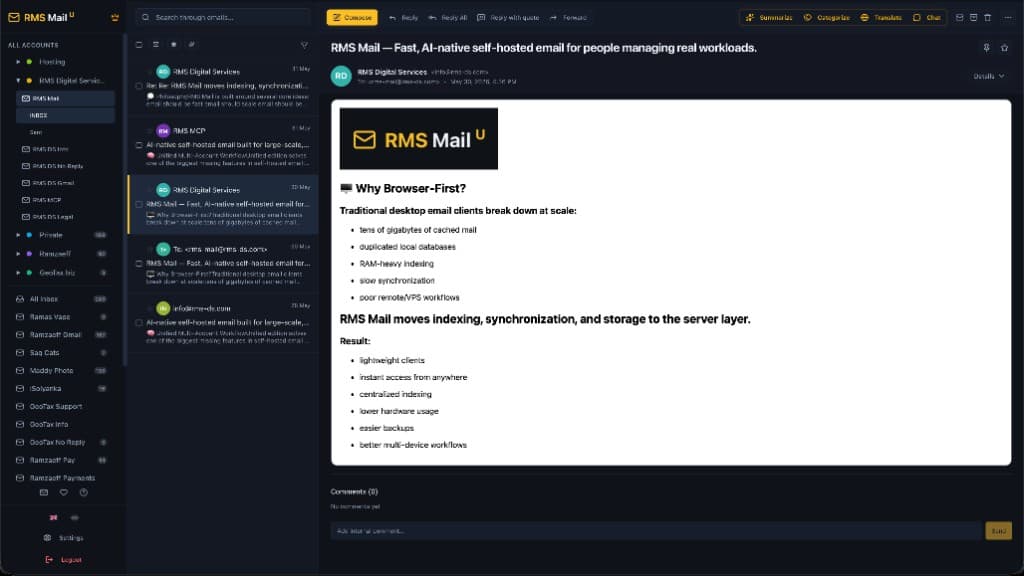
RMS Mail Unified was built specifically for users managing several mailboxes.
Features include:
- Unified Inbox
- Cross-account search
- Project groups
- Shared notifications
- Centralized workspace
This makes it particularly useful for freelancers, agencies and IT teams.
AI and Automation
Modern workflows increasingly involve AI tools.
Roundcube focuses on traditional email functionality.
RMS Mail supports:
- OpenAI
- Anthropic
- Gemini
- Groq
- xAI (Grok)
- Ollama
- DeepSeek
- OpenRouter
- OpenCode
- Qwen
using your own API keys.
It also integrates with Telegram and exposes an MCP server for AI-assisted workflows in editors like Cursor and Claude Desktop.
Installation
Roundcube
Installation varies depending on the hosting environment and usually requires configuring PHP, a web server and supporting services.
Many hosting providers offer one-click installations.
RMS Mail
Deployment is designed around Docker.
Typical installation requires:
git clone ...
cp .env.example .env
docker compose up -d
# Instructions can be found on the product pages or on GitHub
For many VPS users, deployment takes only a few minutes.
Where Roundcube Excels
Roundcube remains a great choice if you:
- already use shared hosting
- have relatively small mailboxes
- need a familiar interface
- don’t require AI or automation
- want maximum compatibility with traditional hosting environments
Its maturity and enormous user base remain significant advantages.
Where RMS Mail Excels
RMS Mail is a stronger choice if you:
- manage very large mailboxes
- use several email accounts
- want instant full-text search
- deploy applications with Docker
- use AI in your daily workflow
- need Telegram integration
- prefer browser-first infrastructure
- don’t want email data consuming disk space on every computer
Which One Should You Choose?
Choose Roundcube if your needs are straightforward and you want a proven, traditional webmail client.
Choose RMS Mail Mono if you need a lightweight self-hosted email client for a single mailbox with fast search and minimal infrastructure.
Choose RMS Mail Unified if you work with multiple accounts and want a centralized workspace with modern productivity features.
Neither solution is objectively “better.”
They were built for different generations of email workflows.
If your priority is compatibility and simplicity, Roundcube remains an excellent choice.
If your priority is performance, scalability and modern workflows, RMS Mail offers a fundamentally different architecture that better matches today’s workloads.